Quickstart
Point an OpenAI-compatible client at Intertrace, mint a runtime key, and see traffic in the dashboard.
What you get
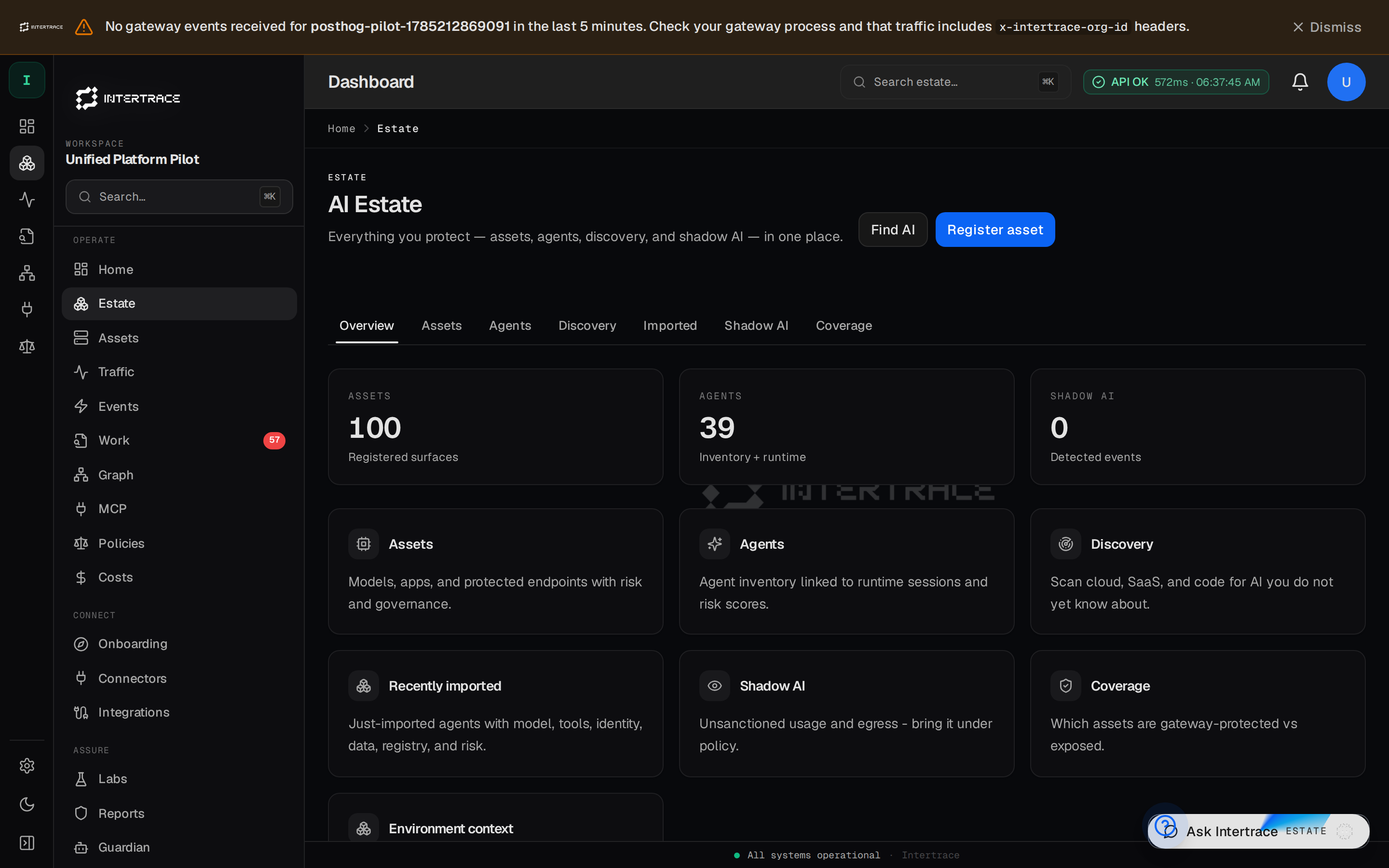
Intertrace is an inline AI security gateway plus posture dashboard — Protect AI with AI. Clients call the Intertrace Gateway (https://intertrace.fly.dev). Console: platform.intertrace.ai.
Go live
- 1
Sign in
Open platform.intertrace.ai. Waitlist codes: Early access.
- 2
Mint a runtime key
Mint
itr_rt_*in Settings → Runtime API keys. Keep upstream secrets in the Provider vault — clients should not need vendorsk-keys. - 3
Send a request
export INTERTRACE_RUNTIME_API_KEY='itr_rt_…' curl -sS https://intertrace.fly.dev/v1/chat/completions \ -H "Authorization: Bearer $INTERTRACE_RUNTIME_API_KEY" \ -H "Content-Type: application/json" \ -d '{"model":"gpt-4o-mini","messages":[{"role":"user","content":"Hello"}]}' - 4
Confirm in Traffic
Traffic → then OpenAI SDK or Product spine.
- 5
Optional — onboard local agents
Mint an org API key, then use
itrto discover Cursor / Claude / Codex configs and rewrite them onto the Fly gateway — Control plane.